
Messages, polls, live annotations and file storage: four new features in cori
June 9, 2026
•

Jonas Deuchler
Founder, coriMost of the choirs we talk to organise themselves across half a dozen tools: the dates in a WhatsApp group, the poll for the Christmas party in a Doodle, the sheet music as a PDF email attachment, the director's markings on paper, and the recording of the last rehearsal as a link that nobody can find again on Sunday. Each of these tools works on its own. Together they create a gap that information keeps falling into.
With this release we're closing four of those gaps at once: messages, polls, live annotations in the sheet music and shared file storage. We're deliberately shipping them together because they belong together – a message needs an attachment, a decision needs a vote, an annotation needs the sheet music it belongs to.
Messages: the whole choir in one place
In cori you can now write to each other directly – as a one-to-one message, in groups you create yourself or in the choir-wide channel. Every voice part automatically gets its own chat, and anyone who joins the choir or switches voice part ends up in the right one automatically. A message "just for the sopranos" really does reach only the sopranos, rather than the big distribution list where half the choir reads along and nobody feels addressed.
Everything you'd expect from a proper messenger is there: reactions with any emoji you like, replies to individual messages, forwarding to other chats and attachments – photos straight from the camera, audio, video, PDFs and Office files up to 25 MB. Typo? Messages can be edited for 24 hours and deleted at any time. Ticks show whether a message has arrived and been read, unread counters show where something is still waiting, and anyone who wants some peace can mute individual chats. All of it is available in the app and on the web.
For each chat you can also set who is allowed to post. That turns the choir channel into a pure announcements channel if you want, where only the leadership posts – and the information doesn't get lost between forty "Thanks!" replies. Reacting with an emoji still works.
But the real point isn't the feature list, it's the location: the communication sits where the sheet music, the dates and the recordings are. If you have to cancel a rehearsal, you don't need to switch between three apps.
Polls: decisions in seconds
Choirs constantly make small decisions that don't really warrant a meeting: which replacement date works? Black or dark blue for the concert? Which encore? Until now that meant: create a Doodle link, dump it in the WhatsApp group, hope enough people click, then count up by hand at the end.
Now you start a poll straight in the chat, with single or multiple choice and a deadline – a week by default, after which the poll closes by itself. The results update live, the leading option is highlighted, and for each option you can see who voted for it. As long as a poll is open, you can change or withdraw your own vote at any time – and whoever created the poll can still sharpen the question and options or close it early once the matter is settled.
Incidentally, in groups and direct messages anyone can start a poll, not just the leadership. And you can vote straight from the home screen: an open poll isn't a link you mean to click later and then forget, it's something you see when you open the app.
Live annotations: your sheet music, up to date for everyone
This is the feature we've spent the longest building. In cori you can draw directly into the sheet music during rehearsal – with pen and highlighter in several colours and line widths, with an eraser and an undo function. What's new: your singers see those annotations on their own device at the same moment. No photographing the conductor's score, no "write a crescendo in bar 24" that half the choir doesn't hear.
To make this work in practice and not end in a mess of scribbles, annotations can be controlled precisely. There are three levels:
- Private – just for you, for example your own conducting notes.
- Voice part – only for one voice part, for example a breath mark that only concerns the tenors.
- Whole choir – visible to everyone.
That way every voice part sees exactly what's relevant to them. The choir leadership can also show and hide the annotations of individual voice parts – handy when you're rehearsing with the men's voices only. By default, only the choir leadership shares annotations beyond the private level; in the choir settings you can enable members to contribute annotations for their own voice part as well.
One detail we wouldn't want to do without any more: jump markers. Put a marker at the repeat or the dal segno, and one tap takes you straight to the right spot – no frantic page turning in the middle of a piece.
File storage: an end to scattered attachments
The fourth feature is the least spectacular and perhaps the one that removes the most day-to-day friction: shared file storage for the choir. Sheet music, practice recordings, the programme booklet, concert photos – with folders, a recycle bin and previews right in the app: you can page through PDFs and play recordings directly, with no download and no third-party app. On the web you simply drag and drop files to upload them.
For each file or folder you decide whether the content is visible to all members or only to the leadership – so a "Committee" folder, along with everything in it, automatically stays with the leadership. Sharing links let you share individual files externally too, for example a recording for a guest singer. The links expire automatically after one, seven or thirty days and can be withdrawn at any time before that – nothing circulates around the internet forever.
And because the storage is part of the rest of cori, files can be linked directly in a message without uploading them twice. If someone loses access to a file, they no longer see the old chat attachment either.
Every choir gets a shared storage allowance that grows with its number of members – half a gigabyte per person. A choir with forty active members therefore has around 20 GB, at no extra cost.
Smaller improvements that make everyday rehearsals easier
Alongside the four big features, this release contains a few smaller things that noticeably remove friction day to day:
- Pauses and moderation in setlists. Setlists now map out the whole concert programme: pauses, moderation and stage changes go in as their own entries between the songs, each with an optional note – the moderation script, for example.
- Hands-free page turning with a Bluetooth pedal. If you're accompanying at an instrument or your hands are busy conducting, you can now turn the pages with a foot pedal. cori works with all the common models that connect as a Bluetooth keyboard – from AirTurn to PageFlip.
- Freely selectable audio output. In the audio settings you decide which device playback and recording run through – Bluetooth headphones for practising, say, or an external microphone for cleaner recordings. You can also compensate for the latency of Bluetooth headphones while recording.
- Octave independence when singing along. Low and high voices can now practise a part in their own octave without the feedback complaining.
A note on data
These features mean that more communication and more material sit in one place. Hence the usual but important note: all data is processed in line with the GDPR on servers in the EU. There are no ad networks in cori, and no behavioural data is sold. Messages and files belong to the choir, not to us.
How to get started
The features are available to all choirs with the current release. If you already use cori, update the app – the new areas will appear automatically. If you're new:


You can see how the four features fit into the rest of cori in the feature overview. Questions, wishes or feedback from your rehearsals go to info@getcori.app – we read everything and usually reply within one working day.
Discover more: All cori features
Get your choir ready for the future
So you can concentrate on what matters most: the music.
Share this article
More Articles
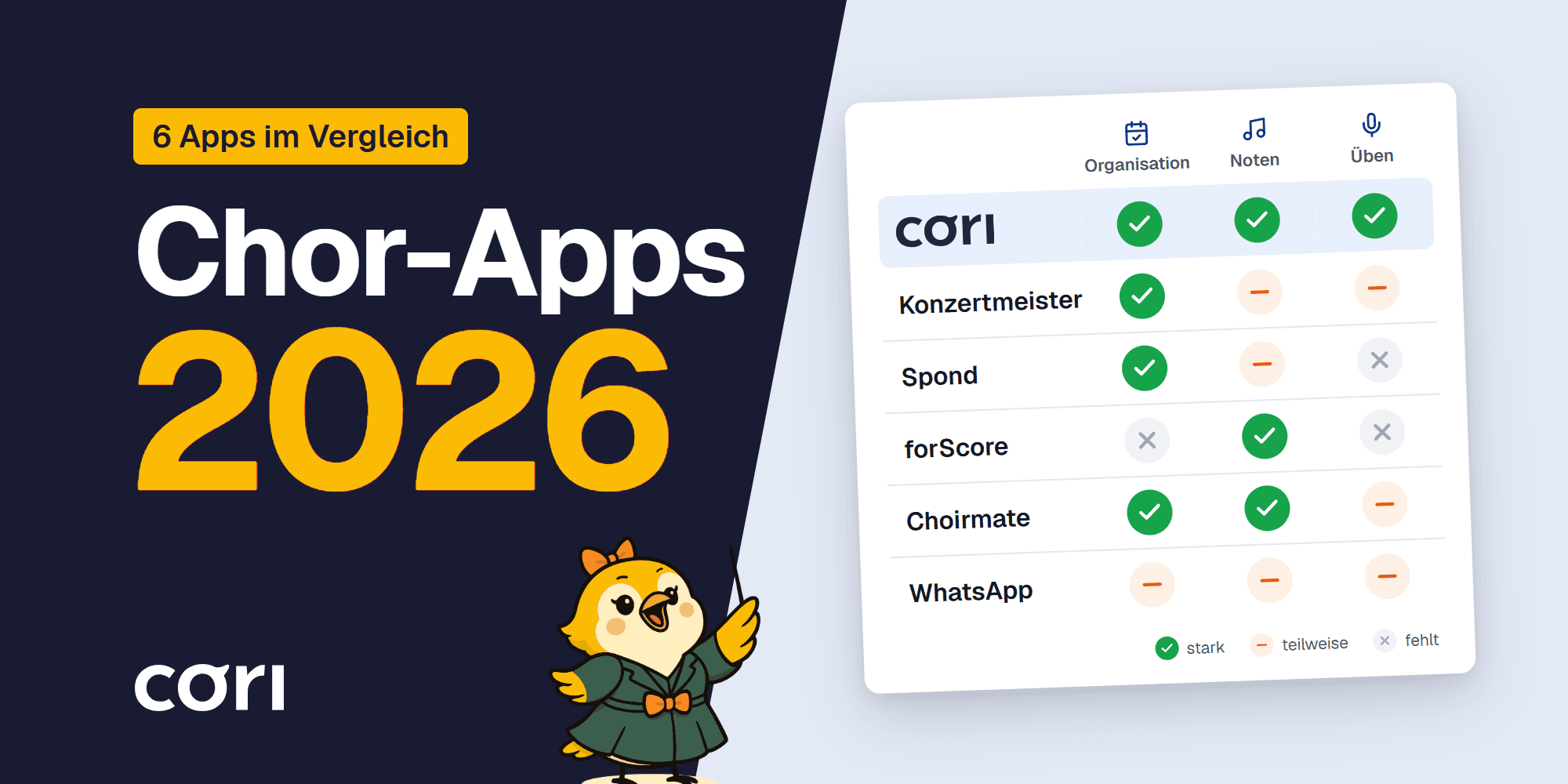
Choir Apps 2026 Compared
Choir apps 2026 compared: from Konzertmeister to cori – which app fits your choir? An honest review with clear recommendations for organization and practice.

The 6K practice room for the 2027 season: now in the browser too
6K UNITED! has opened the 2027 season, and cori's 6K practice room is ready: every song with chapter markers, follow-along lyrics and sheet music, groups and appointments for teachers, and for the first time in the browser as well, with nothing to install. What's new and how you get started.