Online pitch pipe with starting notes for your choir
Tap a note and it sounds until you tap again. Or pick the key and your voicing, and every part gets its starting note.
- Concert A at 440, 442, 443 or 415 Hz
- Starting notes for SATB, SSA, TTBB and more
- Full-screen rehearsal mode that works offline after your first visit
Octave 4
Concert pitch (Hz)
Sound
cori takes it from the first note
cori keeps your choir going between rehearsals: every part practises its own line, and everything for the next rehearsal is in one place.
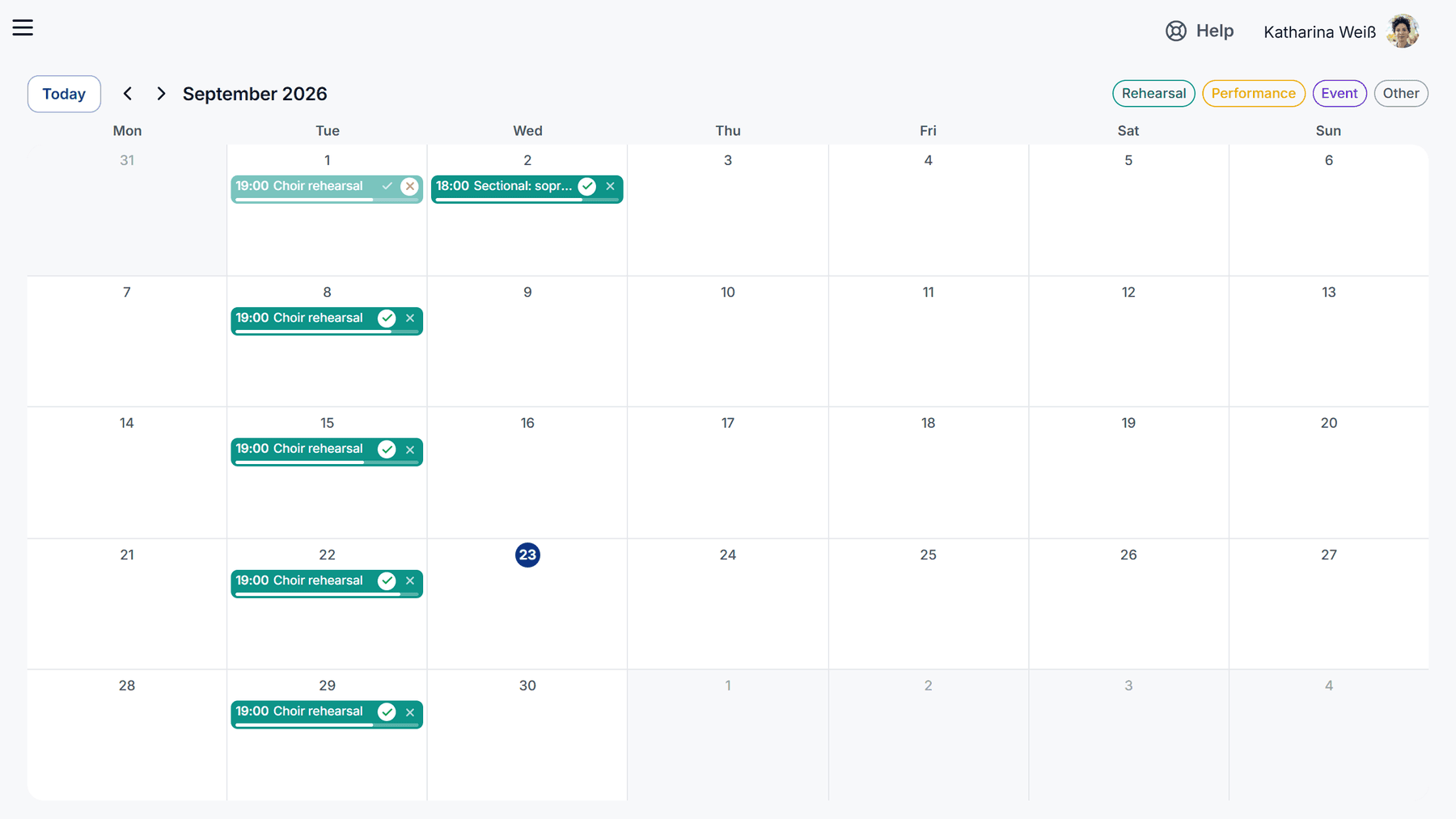
Who's coming to each rehearsal, at a glance
Sing-along counts you in and gives you your first note
Every part on its own practice track
Sheet music, dates and choir chat in one app
Which concert pitch?
Tune to the instrument you sing with. Without accompaniment, 440 Hz is the safe standard.
440Hz
The standard
The international standard and the default on almost every piano, keyboard and tuner.
442Hz
Many orchestras and organs
Many European orchestras and some organs tune to 442 Hz. If you sing with them, use this one.
443Hz
A little brighter
Some orchestras, especially in Germany and Austria, tune a little higher still. Ask if you're unsure.
415Hz
Baroque
Period-instrument ensembles usually play baroque music a semitone lower, at 415 Hz.
How to give the starting notes
Play the chord
Start with the chord of the key, so everyone hears where the piece sits.
Each part on its own
Then give each part its note, from the bass up. Once singers have theirs, they hum it quietly.
Come in together
Finally the whole chord sounds. Everyone hums it briefly, then you give the cue.
Practical Answers
Tap a note in the circle and it sounds until you tap it again. Plus and minus change the octave, and below them you pick the concert pitch and the sound. On a computer, your keyboard plays the notes like a piano, and the space bar stops.
If you sing unaccompanied, use 440 Hz, the international standard. If you sing with organ, piano or orchestra, tune to them: many orchestras and organs sit at 442 Hz, some at 443 Hz. Baroque ensembles often play at 415 Hz.
Pick the key and voicing, and every part gets a fitting note from the key's chord. If your piece starts differently, set each part with the arrows or on the keyboard, exactly as your score shows. “Play starting notes” gives the chord, then each part on its own, and finally everyone together.
The pipe sounds bright and rich, like a harmonica, and holds the note as long as you like. The tuning fork sounds almost pure and slowly fades, like a struck fork. The choir sings the note on “Ah”, which singers often find easiest to match.
Small speakers hardly reproduce low frequencies. The pipe has strong overtones, so even bass notes come through. Headphones or a Bluetooth speaker sound better still.
Yes. After your first visit the page also loads offline, say in a rehearsal room with no signal. The pipe and the tuning fork are generated right in your browser; only the choir sound needs a connection the first time.
Yes. “Share link” creates a link with the key, voicing and every note. Anyone who opens it taps their own part and hears the note.
Yes. The pitch pipe, tuning fork and starting notes are free to use, with no sign-up. Nothing is recorded or uploaded.
Your whole choir in one app
Practice tracks for every part, sheet music, dates and chat in one place. Choir directors try cori free for 30 days.
Get started