Exporting sheet music from cori
Download or print the sheet music for a song so you can use it offline.
Web + app
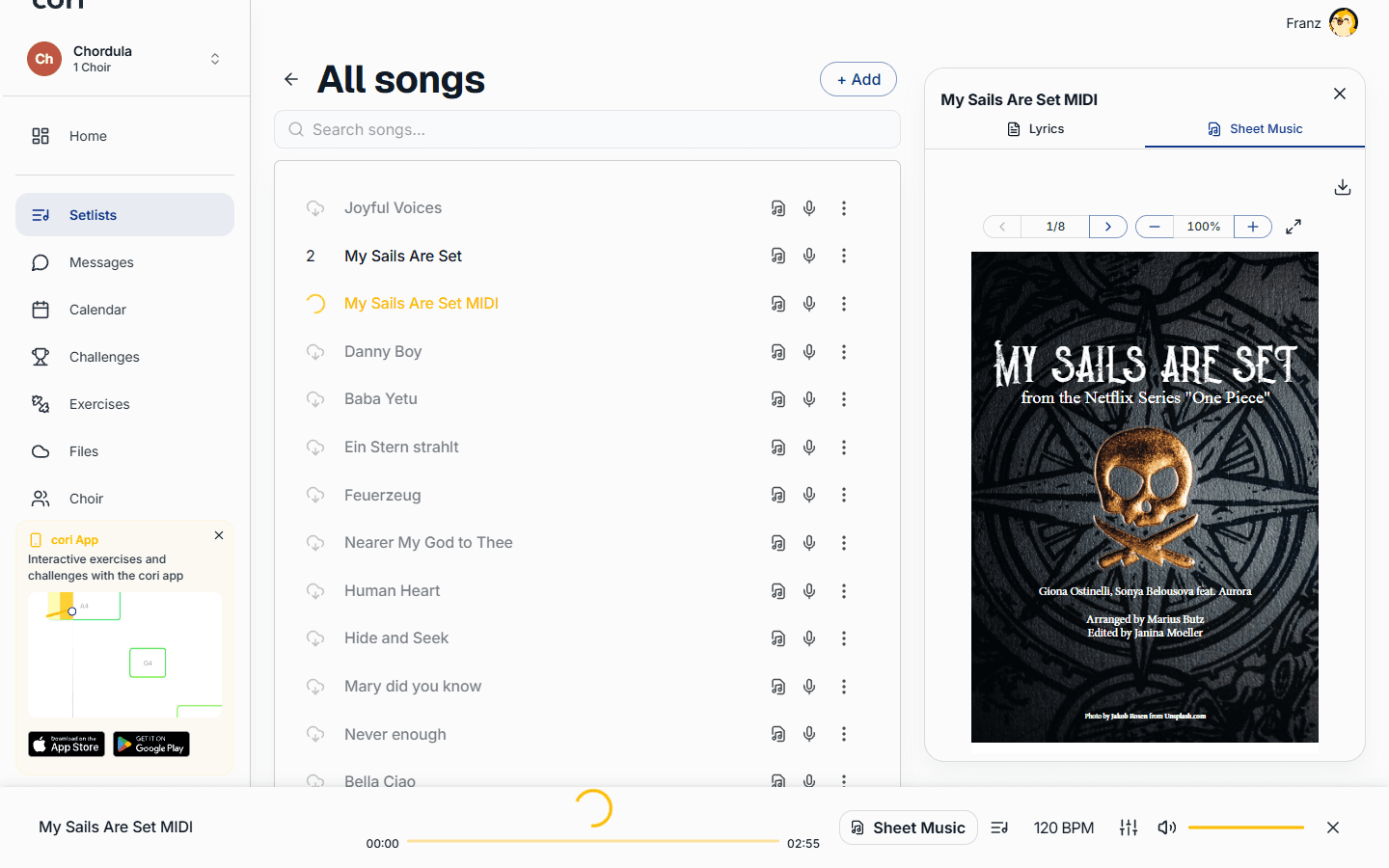
Sometimes you just need the music on its own — to hand out at rehearsal, mark up by hand, or keep a copy for when you're offline. cori lets you export any song's sheet music as a PDF, both from the web app and from the mobile app. This guide shows you where the export action lives on each platform and how to print what you've exported.
You can export the PDF for any song that has sheet music attached. If a song has no sheet music yet, cori will let you know there's nothing to export (“No sheets available”).
Export on the web
The fastest way to grab a PDF is straight from a setlist or your song list — you don't even need to open the song first.
Open a setlist (or the Songbook) and locate the song you want.
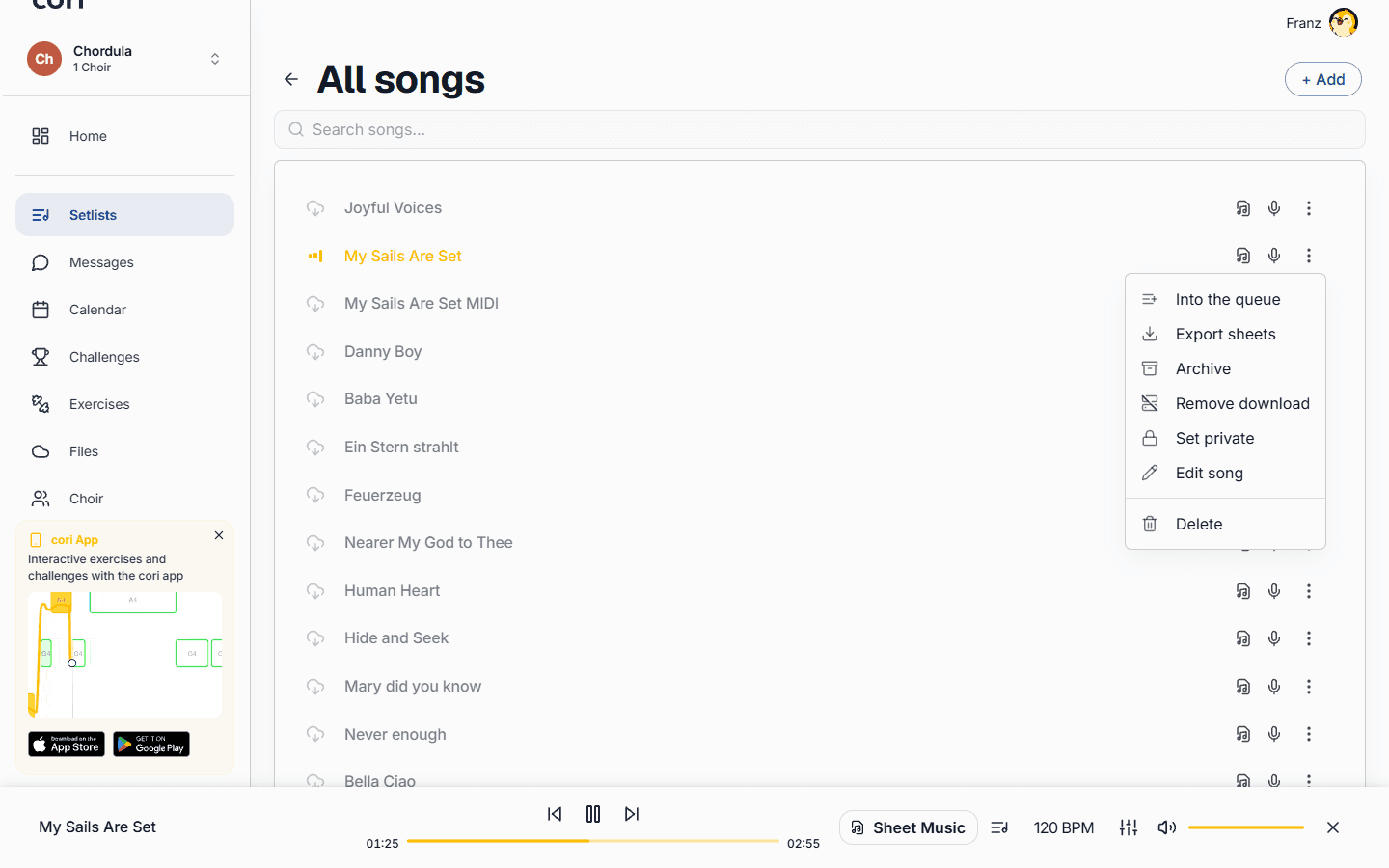
Click the ⋮ (more) button on the song's row to open its menu.
Select ⋮›Export sheets. The PDF downloads to your computer right away, named after the song.
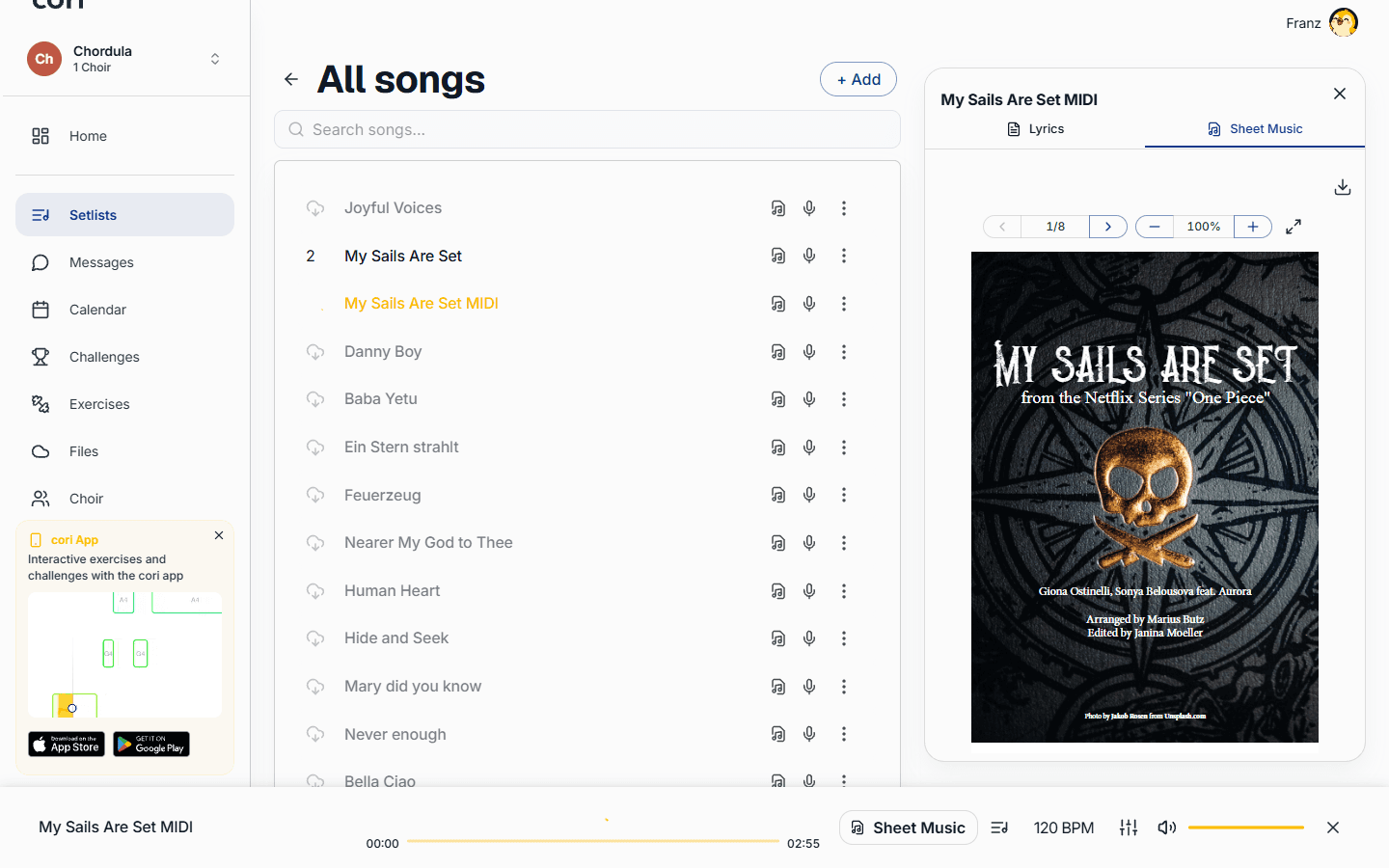
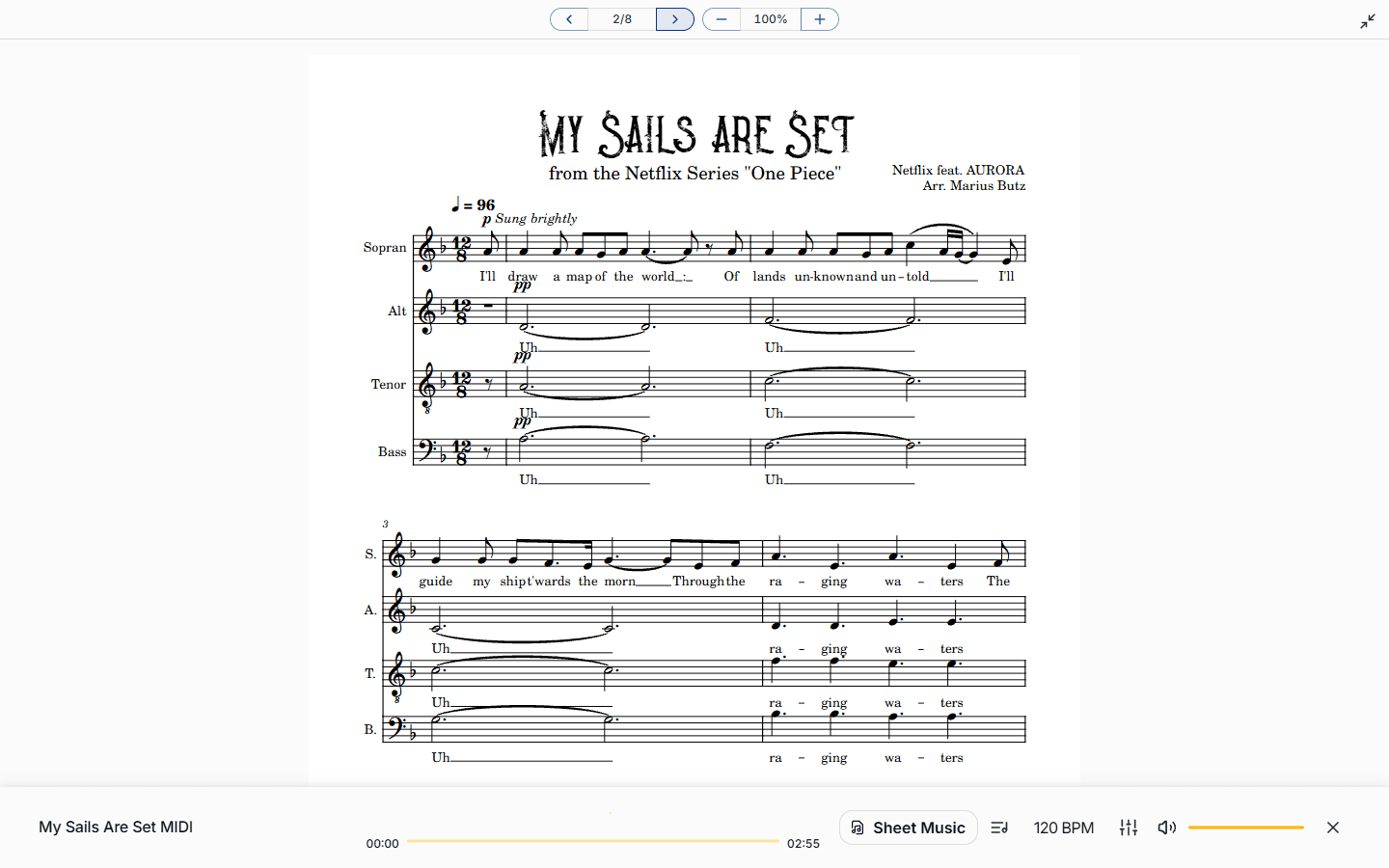
If you've already opened a song to read its music, you can download from there too. Open the sheet music icon to launch the viewer, switch to the Sheet Music tab, then use the Download button (the download arrow at the top of the viewer) to save the sheet you're currently viewing.
If your choir has both a member sheet and a conductor sheet, the choir leadership and admins can switch between Member view and Choirmaster's view using the graduation-cap toggle before downloading — so you export exactly the version you need.
Export on mobile
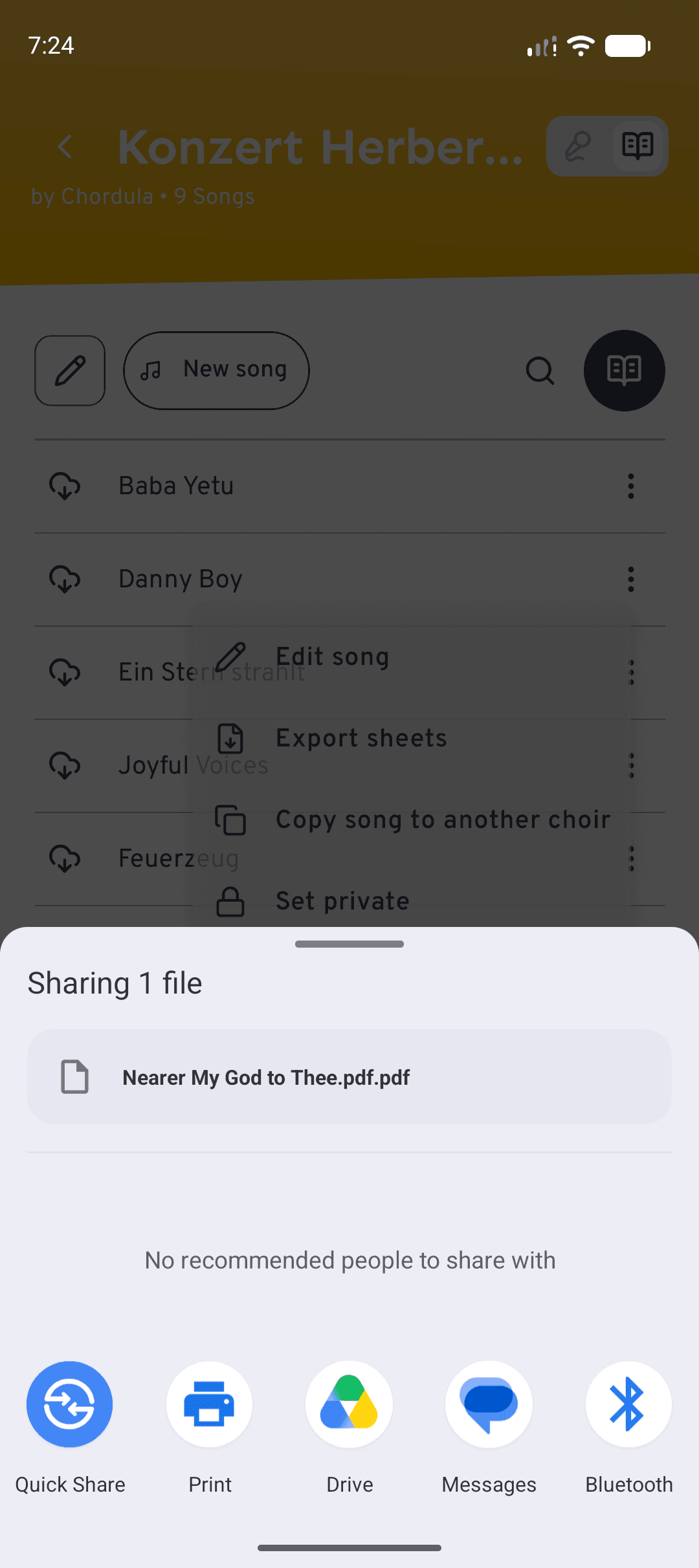
Exporting works on your phone or tablet too. The export action lives in the song's menu, and the system share sheet handles the rest, so you can save the PDF to Files or send it on.
Exporting on mobile uses the copy that's stored on your device, so the song needs to be downloaded. If a song hasn't been downloaded yet, tap it once to download it before continuing.
Tap the ⋮ (more) icon on the song's row.
Choose ⋮›Export sheets. If the song has both a member sheet and a conductor sheet, cori asks you to pick: tap Member sheet or Conductor sheet.
Tick Include annotations if you want your markings to end up in the PDF. cori then draws in the annotations you currently have shown on the sheet music (Private, Voice, Choir, depending on what's active under Notes). That takes a little moment. If the PDF file is protected, cori exports the sheet music without annotations and tells you so.
Tap Share to open your device's share menu: from there you send the PDF to another app or (on iOS) print it directly. With Save to device you file it away, on iOS via the Files app, on Android straight into the Downloads/cori folder.
Unlike the web app, mobile exports the PDF that's saved on your device. The Export sheets option only appears once a song has been downloaded — so if you don't see it, tap the song to download it first. The mobile sheet viewer is for reading only; use the song menu to export.
Printing the sheet music
cori doesn't print directly, but printing is simple. On the web, export the PDF using either method above, then open the downloaded file and print it from your PDF reader or browser (usually Ctrl/Cmd + P). On mobile, choose Print from the share menu (iOS), or save the PDF and print it from your Files app. Either way you keep full control over paper size, page range and number of copies.
What's next?
- Learn how to annotate sheet music with notes and markings.
- See how to build and manage setlists for your rehearsals.
Still need help?
Can’t find what you’re looking for? Send us a message and our team will get back to you.
Contact support