Playback mode vs. Sheets mode
Understand cori's two ways to work with a song and when to use each.
App only
Every song in cori can be opened in two different ways, depending on what you're doing. Playback mode is for listening and practising with the recorded voice tracks. Sheets mode is for reading the sheet music. A single switch at the top of the Home screen flips between them, and it changes what happens when you tap a song.
The switch is labelled Practice mode () for playback, and Rehearsal mode () for sheets. They're the same two modes — this guide uses "playback" and "sheets" to describe what each one is for.

Playback mode — listen and practise
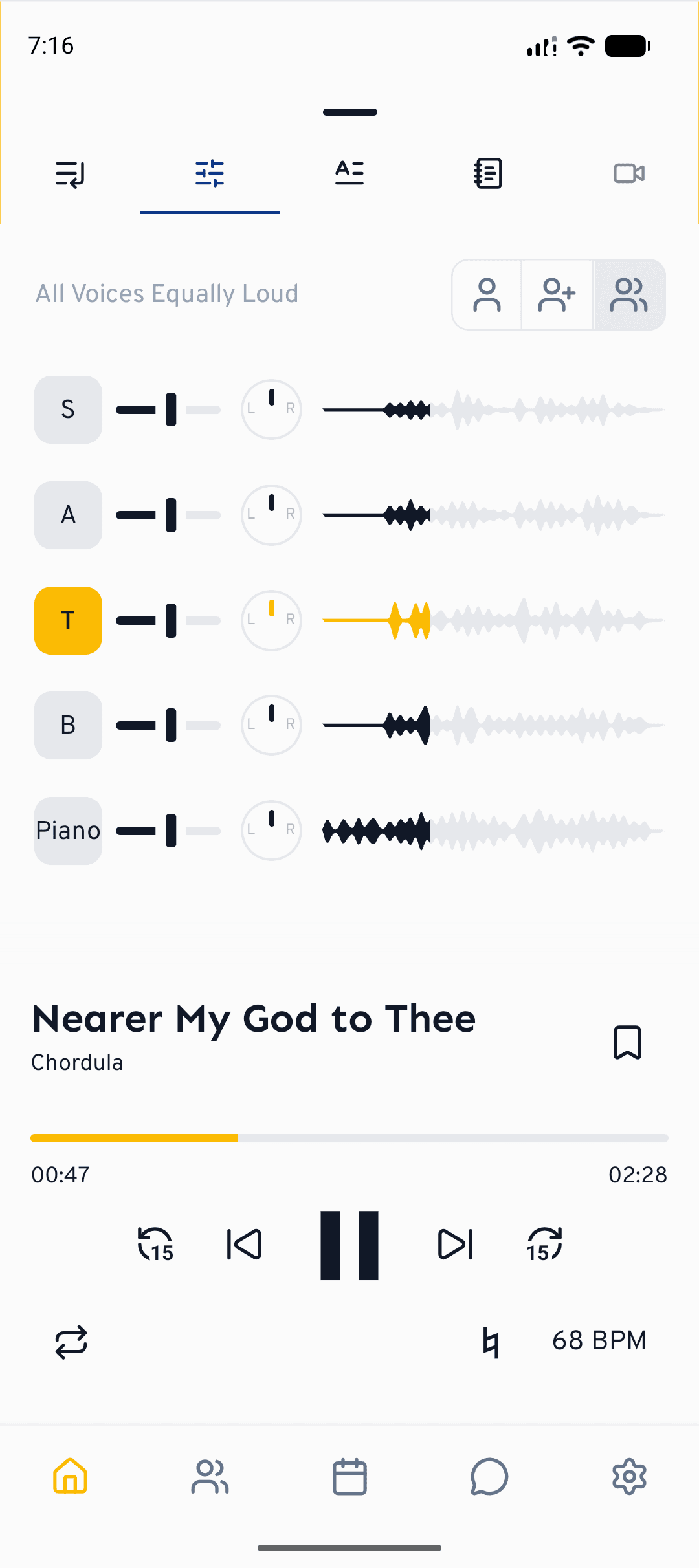
With the microphone side selected, tapping a song opens it in the player. This is where you learn a song at home:
- Mixer — choose a preset (your voice only, your voice louder, or all voices equal), then mute, unmute and fine-tune each part with its own volume slider and waveform.
- Sing along — sing with the track and get feedback on your pitch and rhythm.
- Lyrics, playback speed and looping for working through tricky passages.
Sheets mode — follow the score
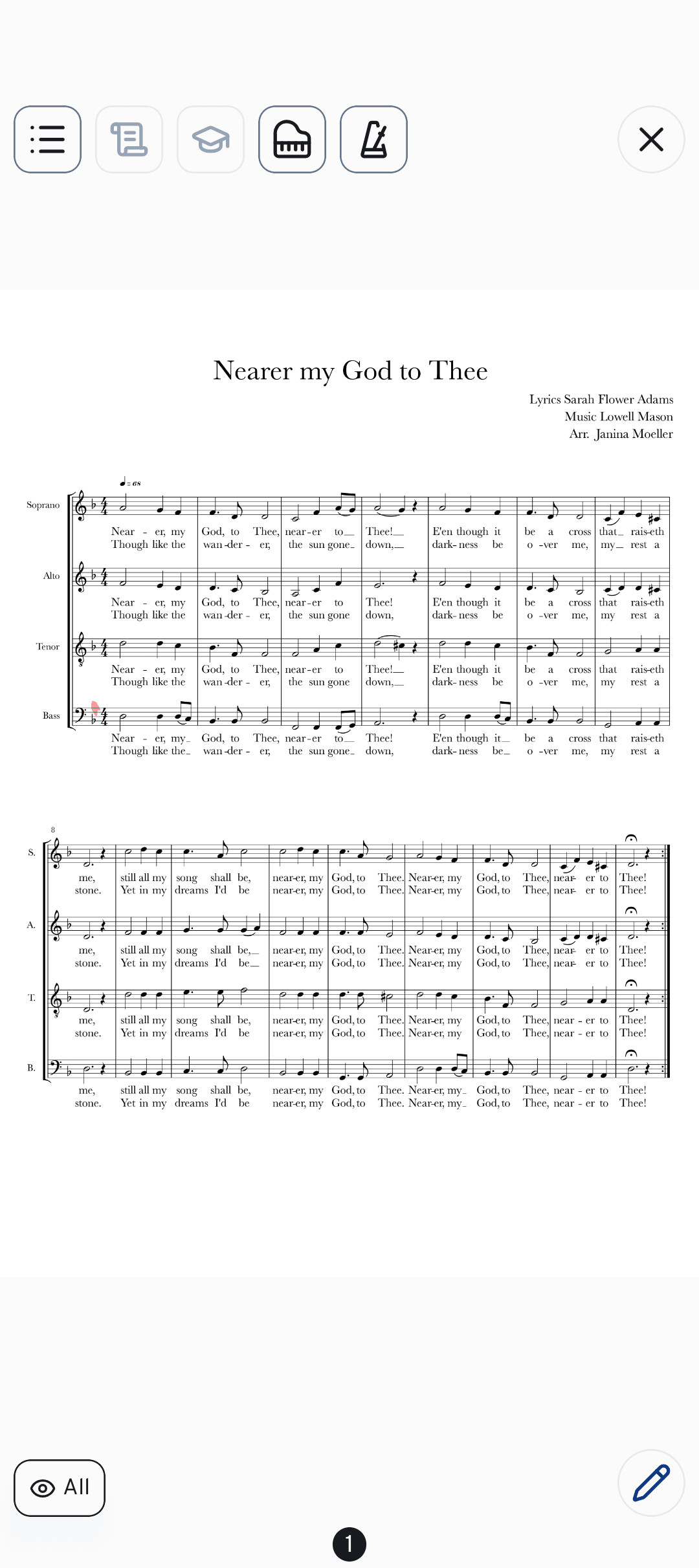
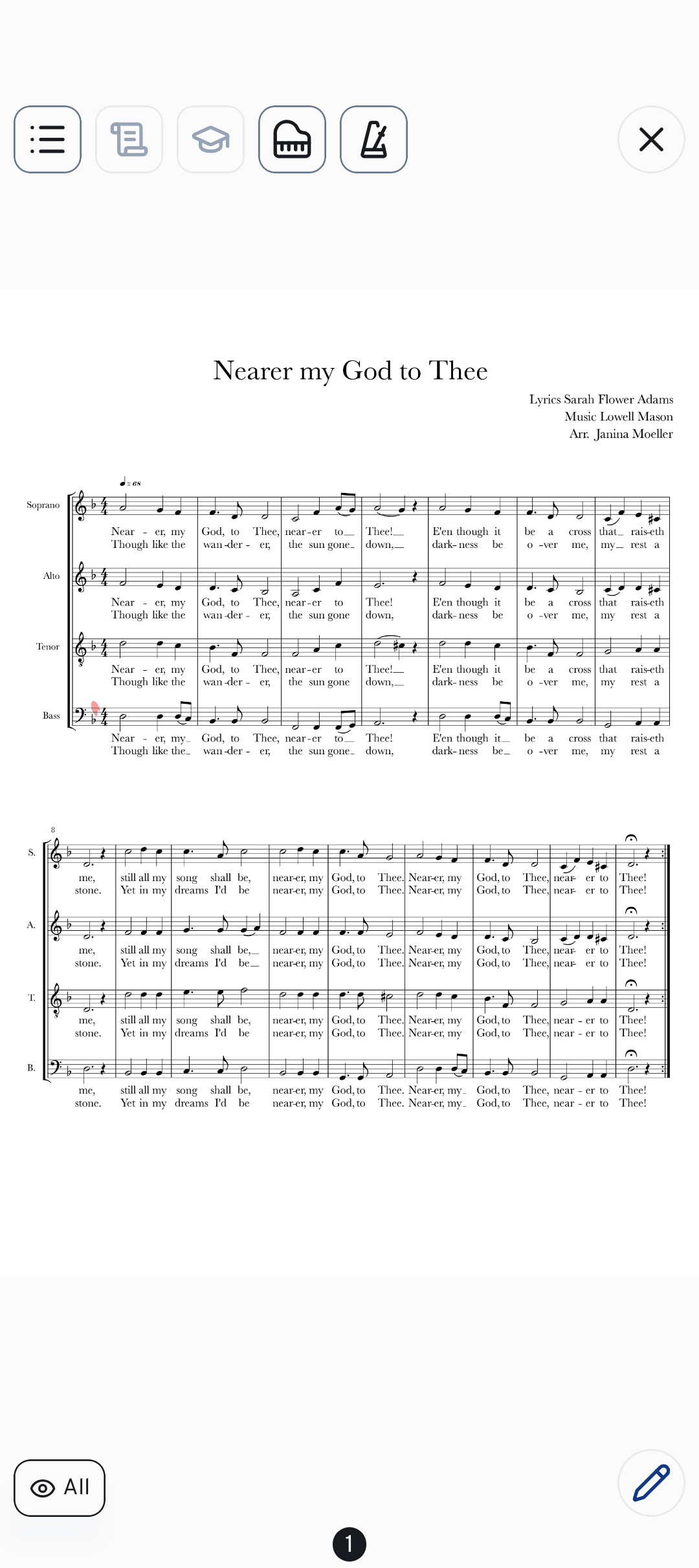
Switch to the open-book side and tapping a song opens its sheet music full screen — built for rehearsals:
- Annotate the score with a stylus or finger; your notes sync across all your devices.
- Turn pages and move through a setlist by swiping or tapping the edges of the page.
- Switch between the member and conductor sheets with the (where available).
- Open the built-in Piano and Metronome from the toolbar without leaving the page.
Adapting the sheets to your rehearsal
The settings icon at the top right, next to the close cross, opens three switches. cori remembers your choice for the next rehearsal too.
- Dark sheet music: inverts the colours of the score, so you get light notes on a black background. That's easier on the eyes when there's little light in the rehearsal room or on stage.
- Advance automatically: page past the last page and cori jumps to the next title in the setlist (and back to the previous one from the first page). Switch it off if you don't want to page on by accident at the end of a piece.
- Scroll vertically: the score runs continuously downwards instead of paging sideways.
How to switch
Go to your songs and setlists on the Home screen.
At the top, tap the microphone/open-book toggle to move between playback and sheets.
Tap any song. In playback mode it opens the player; in sheets mode it opens the sheet music.
If an appointment of your choir is under way and you've never used rehearsal mode, cori points it out on the Home screen: Your appointment is happening now. Tap Yes and the app switches straight to rehearsal mode. The prompt only appears once.
Moving to sheets mode stops any audio that's playing, so the room stays quiet during rehearsal. Switch back to playback mode any time to keep practising with the tracks.
Which should I use?
- Playback mode at home — learn your part, isolate your voice and sing along.
- Sheets mode in rehearsal — follow the score, mark cues, and keep a metronome or piano to hand.
What's next?
- Get the most out of playing and practising songs.
- Learn to annotate your sheet music.
- Keep time with the metronome and piano.
Still need help?
Can’t find what you’re looking for? Send us a message and our team will get back to you.
Contact support